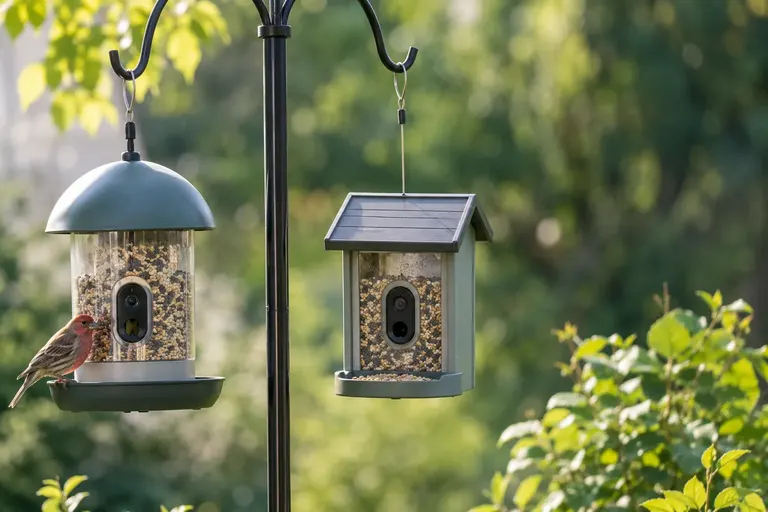
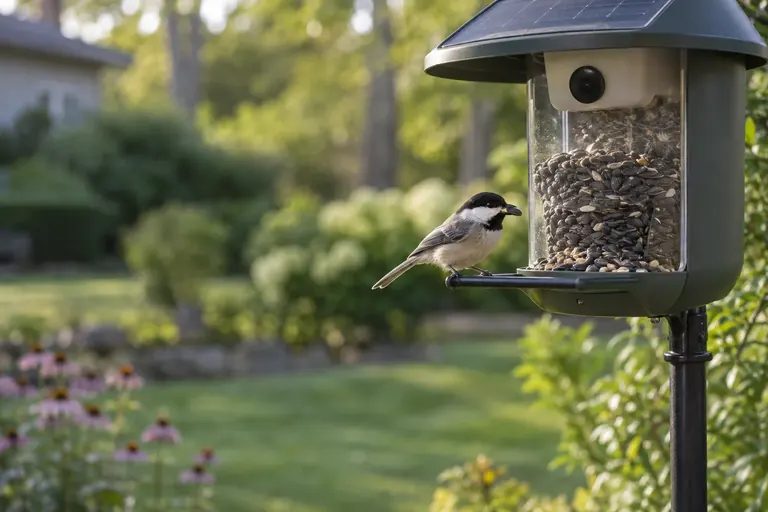
Best Cheap Bird Feeder Cameras: 6 Budget Picks Compared
The best cheap bird feeder camera for most yards is the Birdfy Feeder Rookie: simple, free cloud clips and long battery life. Five more budget picks compared.
If you buy through links on this page we may earn a commission, at no cost to you. It never decides what we recommend. How we earn
In this article
- Quick picks
- How we chose
- Birdfy Feeder Rookie: best budget overall
- Birdfy Feeder (2K): best 2K step-up
- Wyze Bird Feeder Plug-in 2.5K Cam v4 Bundle: best with local storage
- Soliom BF08: best with solar included
- Birdfy Cam 2K: best for your existing feeder
- Birdbuddy Nook: best budget Bird Buddy
- Budget bird feeder cameras compared
- What makes a cheap bird feeder camera worth buying?
- How to get good footage from a budget camera
- Common mistakes with budget camera feeders
- Which budget camera should you buy?
- Sources
- Frequently asked questions
The best cheap bird feeder camera for most people is the Birdfy Feeder Rookie. It is small, light, rated IP66 against weather, runs for months on a charge according to Birdfy, and gives you alerts plus 30 days of cloud clips without a subscription. If you want sharper 2K video, the standard Birdfy Feeder is the step-up, and if you hate charging batteries, the Wyze Bird Feeder bundle plugs into an outdoor outlet and records to a microSD card.
Budget camera feeders have improved fast. What separates the good ones from the frustrating ones is not the resolution on the box. It is the app, the subscription rules, the battery and whether the camera focuses where birds actually perch.
Quick picks
- Best budget overall: Birdfy Feeder Rookie. Simple, light, long battery rating.
- Best 2K step-up: Birdfy Feeder (2K). Bigger hopper, dual night vision.
- Best with local storage: Wyze Bird Feeder Plug-in 2.5K Cam v4 Bundle. No battery, microSD recording.
- Best with solar included: Soliom BF08. Metal body, 2.7 L hopper, panel in the box.
- Best for your existing feeder: Birdfy Cam 2K. A camera, not a feeder.
- Best budget Bird Buddy: Birdbuddy Nook. Compact, IP67, Birdbuddy app.
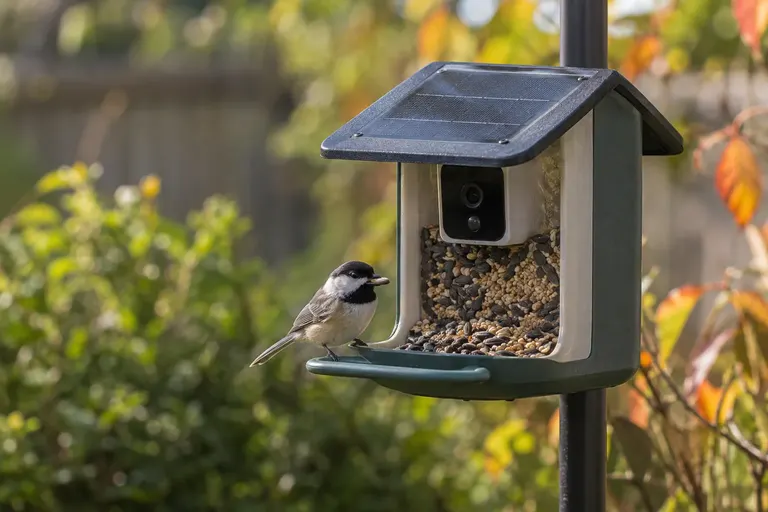
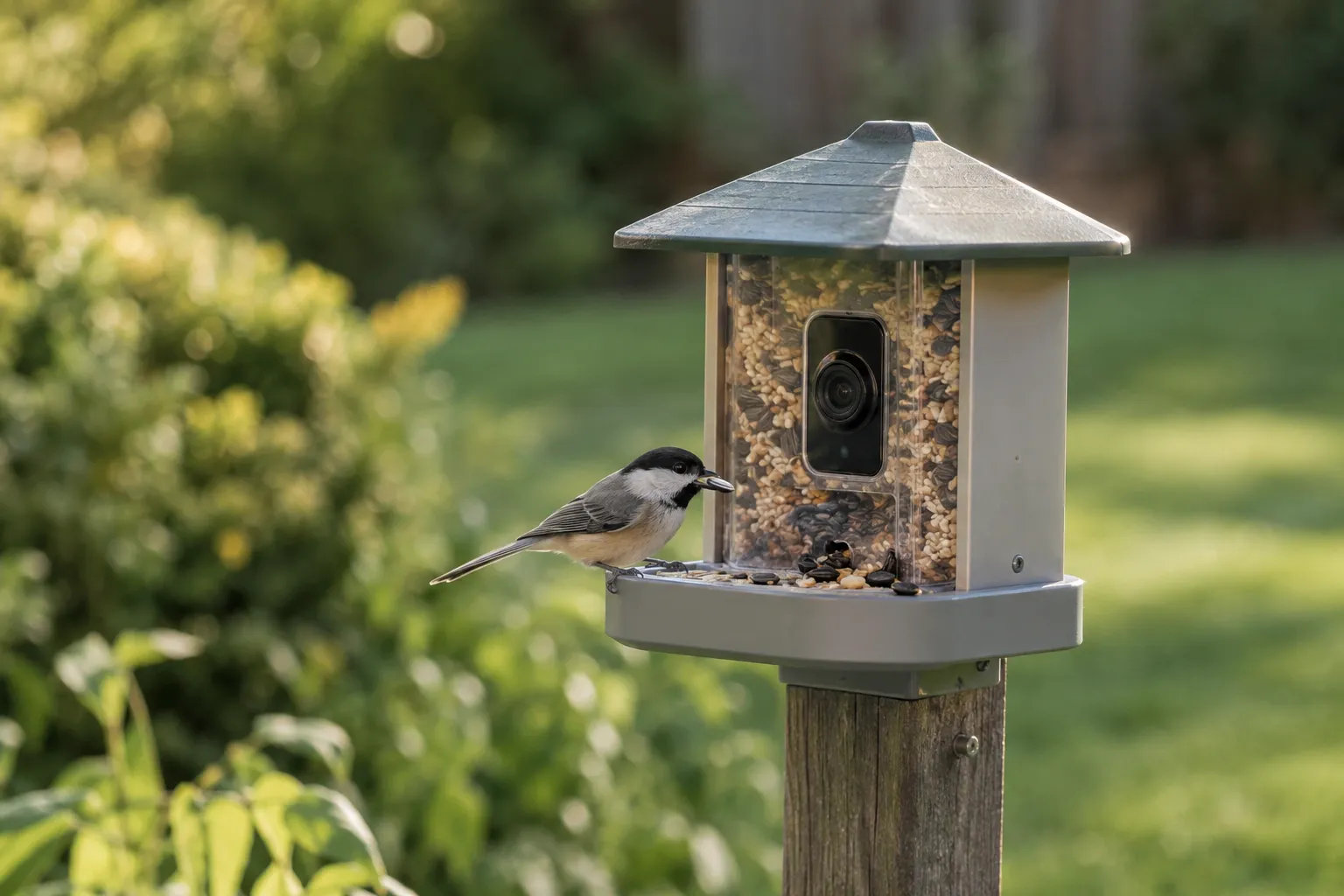
Birdfy Feeder Rookie
The simplest, lightest Birdfy, with 1080p video, a 60 fps slow-motion mode, IP66 weatherproofing and free 30-day cloud clips.
- Best for
- Beginners, gift buyers and small yards.
- Skip it if
- You want local microSD storage or two-way audio.
- Video
- 1080p/30 fps; 1280x960/60 fps mode
- Seed capacity
- 44 oz (1.3 L)
- Battery
- 5,200 mAh, rated up to 4 months
- Weather rating
- IP66
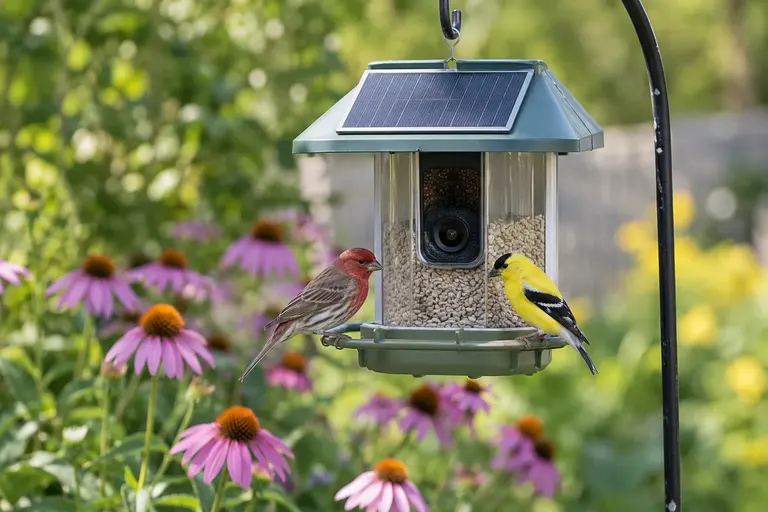
Birdfy Feeder (2K)
Birdfy's original feeder, now with a 2K high-quality mode, dual infrared and white-light night vision and a larger 50 oz hopper.
- Best for
- Buyers who want sharper clips without paying flagship money.
- Skip it if
- Weight matters: Birdfy lists it at 3 lb empty.
- Video
- 2K (1080p standard mode)
- Seed capacity
- 50 oz (1.5 L)
- Battery
- 5,200 mAh, rated up to 3 months
- Weather rating
- IP65
Wyze Bird Feeder Plug-in 2.5K Cam v4 Bundle
A passive feeder housing plus a plug-in Wyze Cam v4, so there is no battery to charge and clips can record to a microSD card.
- Best for
- Anyone with an outdoor outlet who hates recharging.
- Skip it if
- You want species ID without a subscription.
- Video
- 2.5K (2560x1440)
- Seed capacity
- 1 L
- Storage
- microSD up to 256 GB
- Weather rating
- IP65
Soliom BF08
A metal-bodied feeder with a big 2.7 L hopper, a 5W solar panel and a 32 GB storage card in the box.
- Best for
- Busy feeders and squirrel-heavy yards.
- Skip it if
- You want the most polished app.
- Video
- 2K
- Seed capacity
- 2.7 L
- Power
- 5,000 mAh battery, 5W solar panel
Birdfy Cam 2K
A stand-alone battery camera on a bendable arm that watches a feeder you already own.
- Best for
- People with a feeder the birds already use.
- Skip it if
- You want the camera built into the feeder for fixed framing.
- Video
- 2K (1080p standard mode)
- Battery
- 5,200 mAh
- Weather rating
- IP65
Birdbuddy Nook
Birdbuddy's compact feeder with a 5MP HDR photo camera, IP67 rating and an optional solar roof.
- Best for
- Balconies and people who want the Birdbuddy app and community.
- Skip it if
- You want automatic species ID free; that needs Premium on Birdbuddy.
- Photos / video
- 5MP HDR photos, Full HD video
- Seed capacity
- 3.8 cups (0.9 L)
- Battery
- 3,900 mAh
- Weather rating
- IP67
How we chose
We have not physically tested these cameras yet. This guide is research-led. We compared manufacturer specification sheets and support documents from Birdfy, Wyze, Soliom and Birdbuddy, read independent expert reviews, and looked for patterns in verified owner feedback: what breaks, what annoys people after a month, and which complaints come up again and again. We only list specs we could confirm on a manufacturer or retailer spec page. Where a number was not published, we describe the feature in plain terms instead.
We favored cameras that:
- Work without a paid plan for the basics (alerts, live view, saved clips).
- Come from brands with a real support site and firmware updates.
- Have a verified weather rating (IP65 or better).
- Suit a normal backyard: 2.4 GHz Wi-Fi reach, reasonable seed capacity, simple mounting.
For the full-price field, see our main guide to the best bird feeder cameras.
Birdfy Feeder Rookie: best budget overall
The Rookie is Birdfy’s beginner model. It strips out extras like two-way audio and microSD storage and keeps what most people use: motion-triggered clips, push alerts, live view and a species ID feature.
Key specs (from Birdfy): 1080p at 30 fps, plus a 1280x960 mode at 60 fps for slow-motion clips; 44 oz (1.3 L) seed bin; 5,200 mAh battery rated up to four months per charge; IP66; 2.4 GHz Wi-Fi; white-light night vision; unlimited cloud storage with 30-day retention; 0.96 lb.
Why it stands out. It is genuinely light, under a pound on Birdfy’s spec sheet, which makes it easy to hang on a shepherd’s hook or a small bracket without sag. The IP66 rating is a step above the IP65 on some pricier Birdfy models. The 60 fps mode is a nice touch for wing-flap slow motion.
Drawbacks. No microSD, so everything lives in Birdfy’s cloud. The 1.3 L bin means more frequent refills at a busy feeder. On the AI question, read the listing: Birdfy’s product page describes lifetime free AI recognition of 6,000+ species, while some big-box listings describe a 7-day free AI trial. Buy the version that states lifetime AI if identification matters to you.
Skip it if you want local storage, two-way audio, or clips sharper than 1080p.
Birdfy Feeder (2K): best 2K step-up
This is the feeder that made Birdfy’s name, now updated with a 2K high-quality recording mode. It remains one of the more affordable ways to get 2K clips from an established brand.
Key specs (from Birdfy): 2K high-quality mode, 1080p standard mode; 50 oz (1.5 L) seed capacity; 5,200 mAh battery rated up to three months; infrared and white-light night vision; IP65; 2.4 GHz Wi-Fi; operates 14°F to 113°F; 3 lb; 8.8 x 8.7 x 10.6 in.
Why it stands out. The dual night vision lets you choose discreet infrared or color white-light footage, handy if raccoons or flying squirrels visit after dark. The hopper is larger than the Rookie’s. Birdfy sells it in two AI versions: “AI Lifetime Free” and “AI by Subscription” with a 7-day trial.
Drawbacks. At 3 lb empty it is much heavier than the Rookie. Birdfy’s spec page states the microSD slot is for factory testing and does not support consumer storage or playback. The rated operating range bottoms out at 14°F, so expect trouble during hard northern cold snaps, a limitation common to lithium batteries.
Skip it if you live where winter nights routinely drop below 14°F and want year-round recording.
Wyze Bird Feeder Plug-in 2.5K Cam v4 Bundle: best with local storage
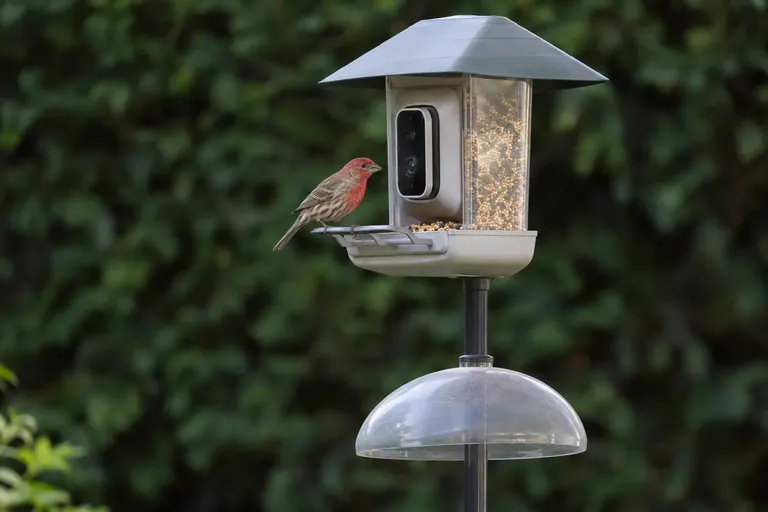
Wyze took a different route. The Wyze Bird Feeder is a passive, weather-resistant housing, and the camera is a regular Wyze Cam v4 that slots into it. The plug-in bundle includes the feeder, the camera, an outdoor power adapter with a 12.5 ft cable and a close-up macro lens.
Key specs (from Wyze): 2.5K QHD (2560x1440); 115.8° diagonal field of view; microSD up to 256 GB; color night vision with infrared and spotlight LEDs; 2.4 GHz Wi-Fi 6; camera rated -4°F to 122°F; feeder holds 1 L; IP65; feeder weighs 2.5 lb.
Why it stands out. Constant power means no battery to bring indoors, and the camera can record continuously or on events to a local card. The Wyze Cam v4’s rated low end of -4°F is better than most battery feeders. If you already use Wyze cameras, everything lands in one app.
Drawbacks. You need an outdoor outlet within reach of the cable. Wyze states that bird detection is available with Wyze security plans, so species-level alerts are not free. A general-purpose security camera is not tuned for close-up birds out of the box, which is why Wyze includes the macro adapter.
Skip it if your feeder spot has no power, or you want free species ID.
Soliom BF08: best with solar included
Soliom’s BF08 is the budget pick for heavy traffic. The body is metal, the acrylic hopper is large, and a solar panel comes in the box instead of as an add-on.
Key specs (from retailer spec listings): 2K camera; 2.7 L seed container; 5,000 mAh battery; 5W adjustable solar panel; 32 GB storage card included; free 3-day cloud loop recording; two-way talk; 2.4 GHz Wi-Fi; AI species recognition.
Why it stands out. A 2.7 L hopper holds roughly twice what the Birdfy Rookie does, so fewer refills. The metal case resists chewing better than plastic, which matters in squirrel country. Local card storage plus a small free cloud window covers people who distrust cloud-only designs.
Drawbacks. Independent reviews describe Soliom’s app as more basic and less polished than Birdfy’s or Birdbuddy’s. We could not confirm a published IP rating or field-of-view figure on the listing, and subscription terms for extended AI features vary by listing, so read the current product page before buying.
Skip it if app polish and a big community feed matter more to you than hardware value.
Birdfy Cam 2K: best for your existing feeder
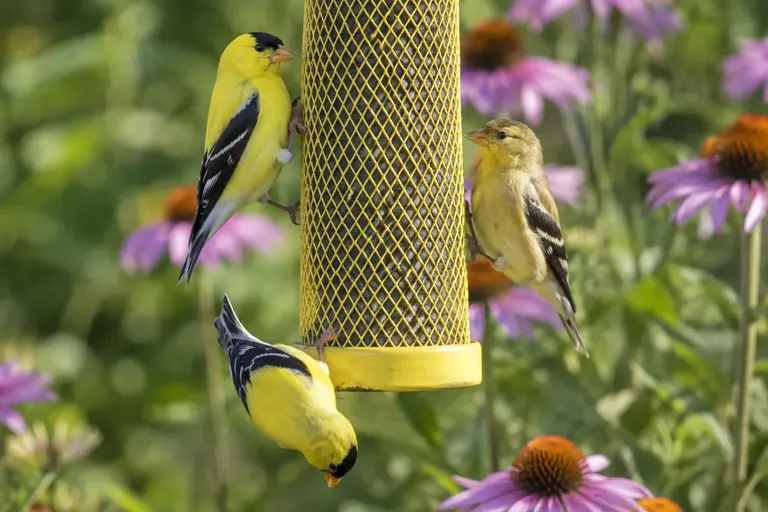
If your birds already love a feeder, you do not have to replace it. The Birdfy Cam is a battery camera on a bendable arm that clamps to a pole or mounts to a wall and points at the feeder you have.
Key specs (from Birdfy): 2K high-quality mode, 1080p standard; white-light and infrared night vision; 5,200 mAh battery; IP65; 2.4 GHz Wi-Fi; two-way audio; PIR motion detection; unlimited cloud storage with 30-day retention; AI recognition of 6,000+ species in lifetime or subscription versions.
Why it stands out. It keeps the feeder you trust, including tube feeders for finches or a platform for cardinals, and adds recording. Two-way audio is included, unlike the Rookie.
Drawbacks. Framing is on you. A feeder camera works best when the perch sits at a fixed, short distance from the lens; with a separate arm, you have to find that spot and keep it there in the wind. Like other Birdfy models, microSD storage is not supported.
Skip it if you want a plug-and-play box with the lens already aimed at the perch.
Birdbuddy Nook: best budget Bird Buddy
Birdbuddy announced a smaller, cheaper model at CES 2026 as the Birdbuddy 2 Mini. Its support documentation now lists a compact feeder called the Birdbuddy Nook with matching traits: smaller hopper, 2.4 GHz only, a microphone for sound ID, and solar as an add-on. Availability has varied since launch, so check stock before planning around it.
Key specs (from Birdbuddy): 5MP HDR photos and Full HD HDR video; 1/2.8-inch sensor; landscape or portrait view; 3,900 mAh battery; USB-C charging; IP67; 2.4 GHz Wi-Fi and Bluetooth 5.1; -5°F to 120°F operating range; 3.8 cups (0.9 L) of seed; optional single-panel solar roof.
Why it stands out. IP67 and a -5°F rating are the toughest weather specs in this list. Birdbuddy’s app, with its “postcards” and community feed, is the most social of the bunch. The Nook has a microphone for sound-based identification.
Drawbacks. The hopper is the smallest here. Birdbuddy’s free tier includes photos, video, live stream and manual AI recognition, but automatic AI+ recognition is a Premium membership feature, so free users tap to identify unrecognized visitors. The larger Birdbuddy Home (sold as the Birdbuddy 2) adds dual-band Wi-Fi, a built-in solar roof and 6 cups of capacity.
Skip it if you want automatic species labels on every visit without a membership.
Budget bird feeder cameras compared
| Model | Video | Seed capacity | Power | Local storage | Weather rating | Free species ID? |
|---|---|---|---|---|---|---|
| Birdfy Feeder Rookie | 1080p, 60 fps mode | 1.3 L | 5,200 mAh battery | No | IP66 | Lifetime on some versions |
| Birdfy Feeder (2K) | 2K | 1.5 L | 5,200 mAh battery | No | IP65 | Lifetime or subscription versions |
| Wyze Bird Feeder + Cam v4 | 2.5K | 1 L | Plug-in | microSD to 256 GB | IP65 | No, needs Wyze plan |
| Soliom BF08 | 2K | 2.7 L | 5,000 mAh + 5W solar | 32 GB card included | Not published | Varies by listing |
| Birdfy Cam 2K | 2K | Your feeder | 5,200 mAh battery | No | IP65 | Lifetime or subscription versions |
| Birdbuddy Nook | Full HD, 5MP photos | 0.9 L | 3,900 mAh, solar optional | No | IP67 | Manual free, automatic with Premium |
What makes a cheap bird feeder camera worth buying?
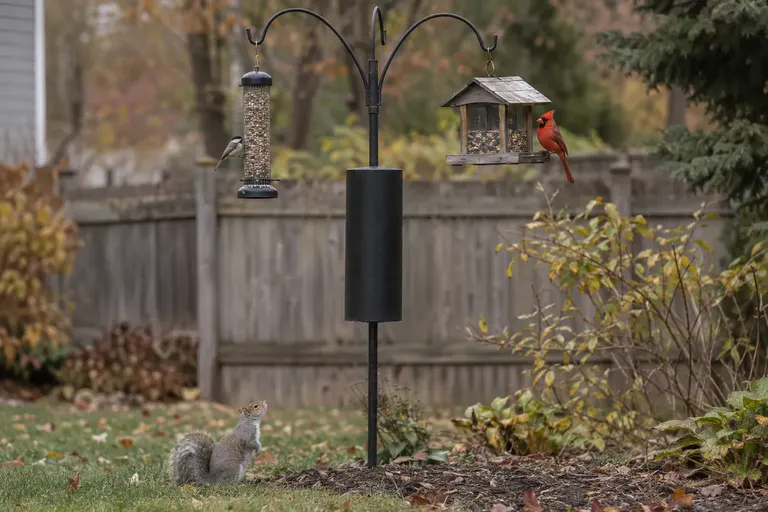
Price alone is a poor guide. These five factors decide whether a budget camera feeder becomes a daily joy or a drawer item.
Does it need a subscription?
Read the subscription rules before you read the resolution. Three things can sit behind a paywall: species identification, cloud storage length and “highlight” features. Birdfy’s own documentation says live view, motion clips, alerts and 30-day rolling cloud storage are free, with AI identification either included for life or sold as a plan depending on the version. Birdbuddy gives free users manual identification and reserves automatic AI+ for Premium. Wyze ties bird detection to its security plans. Our guide to bird feeder cameras without a subscription goes deeper.
Is 1080p enough, or do you need 2K?
At a feeder, the bird is usually just a few inches from the lens, so 1080p already fills the frame. 2K earns its keep when you crop, when you want crisp feather detail for sharing, or when a wider lens shows more of the tray. More pixels also mean bigger uploads, which can slow clips on weak Wi-Fi.
How far is the feeder from your router?
Most budget models use 2.4 GHz Wi-Fi only. That band travels farther through walls than 5 GHz, but a feeder 80 feet away behind a brick wall can still drop out. Check signal strength with your phone at the exact mounting spot before drilling. A mesh node or outdoor extender fixes most dead zones.
Battery, solar or plug-in?
Battery ratings like “up to four months” assume light traffic. Owners commonly report that a busy winter feeder drains far faster, because every visit wakes the camera and cold reduces lithium battery capacity. A solar panel is the easiest fix. Plug-in designs like the Wyze bundle avoid the problem entirely if you have an outdoor outlet.
Where do the clips live?
Cloud-only storage (Birdfy, Birdbuddy) is convenient and nothing is lost if the feeder is stolen, but you depend on the company’s servers and retention rules. Local microSD storage (Wyze, Soliom) keeps footage in your hands and still works if the company changes its plans.
How to get good footage from a budget camera
A cheap camera placed well beats an expensive one placed badly. Our camera setup guide covers this in detail, but the essentials are simple:
- Face the lens north or away from the sun where possible, so birds are lit from the front rather than silhouetted.
- Keep the background plain and distant. Hedges several yards back blur nicely; a busy fence right behind the feeder does not.
- Mount it solidly. A feeder swinging on a long chain produces blurry clips and false triggers. A pole or short bracket is steadier.
- Use the right seed. Sunflower draws the widest range of visitors; start with black oil sunflower.
- Wipe the lens weekly. Rain spots and seed dust soften every clip.
- Follow placement rules for safety. Cornell Lab and window-collision research favor feeders either within 3 feet of a window or more than 30 feet away. See where to put a bird feeder.
Common mistakes with budget camera feeders
- Buying for megapixels, not the app. Owner complaints center on slow live view, missed alerts and confusing menus far more than resolution.
- Ignoring the subscription fine print. Two identical-looking listings can differ only in whether AI identification is included.
- Mounting beyond Wi-Fi range. Most “camera keeps going offline” complaints trace back to weak signal.
- Skipping cleaning. Camera feeders still need regular washing to limit disease spread. Our guide on how to clean bird feeders applies, with the camera removed first.
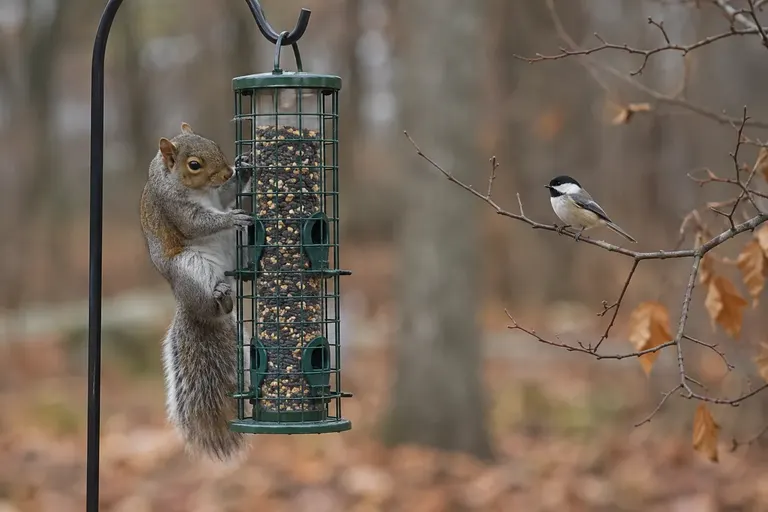
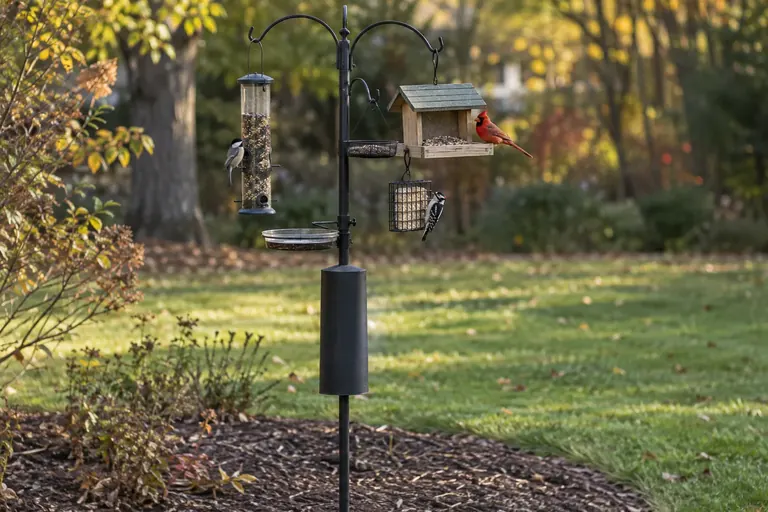
- Forgetting squirrels. A plastic feeder on an unbaffled pole is a squirrel snack bar. A baffle helps; see how to keep squirrels off bird feeders.
Which budget camera should you buy?
- You want the easiest start: Birdfy Feeder Rookie.
- You want sharper 2K clips and color night vision: Birdfy Feeder (2K).
- You never want to charge a battery: Wyze Bird Feeder Plug-in bundle.
- You have a crowd of birds and squirrels: Soliom BF08.
- Your birds already love a feeder you own: Birdfy Cam 2K.
- You want the Birdbuddy app and community on a smaller budget: Birdbuddy Nook.
Still deciding between the two biggest brands? Read Bird Buddy vs Birdfy, or step back and ask whether smart bird feeders are worth it for your yard at all.
Sources
Frequently asked questions
Do cheap bird feeder cameras need a subscription?
Most work without one. Birdfy includes live view, alerts and 30-day cloud clips free, and some Birdfy listings include lifetime AI identification. Birdbuddy's free tier covers photos, video, live stream and manual identification, with automatic AI+ recognition in Premium. Wyze bird detection requires a Wyze security plan, though microSD recording works without one.
What resolution should a budget bird feeder camera have?
1080p is enough for identification and fun clips at feeder distance, because the bird is only a few inches from the lens. 2K helps when you crop or want sharper feather detail. Sensor quality, focus distance and backlighting affect results as much as the resolution number on the box.
Will a camera feeder work on 5 GHz Wi-Fi?
Many budget models are 2.4 GHz only, including the Birdfy Feeder, Birdfy Feeder Rookie, Birdfy Cam, Soliom BF08 and Birdbuddy Nook. That band reaches farther through walls, which suits a feeder in the yard. If your router combines bands under one name, setup usually still works, but check the signal strength where the feeder will hang.
How long do batteries last in a bird feeder camera?
Manufacturers rate the Birdfy Feeder Rookie at up to four months and the Birdfy Feeder at up to three months per charge, but real life depends on how many visits trigger recording, cold weather and Wi-Fi strength. A busy feeder in winter drains a battery far faster than a quiet one in summer. A solar panel usually solves it.
Can I put a camera on the bird feeder I already have?
Yes. A stand-alone camera like the Birdfy Cam mounts on a bendable arm and points at your existing feeder, and the Wyze Bird Feeder accepts several Wyze cameras. The trade-off is framing: you must position the camera close enough, often within a foot or so, and adjust it until the perch sits in focus.